
How to Set Up an Indoor Security Camera Safely
Part of: Electrical safety
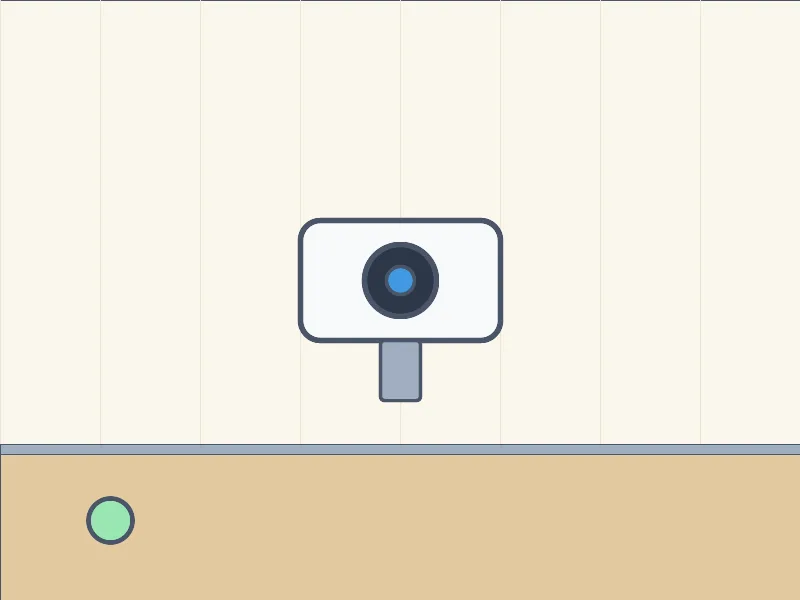
- Difficulty
- Easy
- Time
- 20 to 40 minutes
- Tools
- Indoor camera, phone with the app, WiFi password, outlet, screwdriver if wall mounting, level
- Call a pro if
- You need wired cameras, alarm monitoring or work near electrical panels and walls. A licensed installer should do it.
In this guide
- Power off first
An indoor camera can help you check on pets, kids or deliveries. A good setup also protects your privacy. How to set up an indoor security camera starts before you buy, deciding what you want it to do and where it may legally point.
Before you start
Before you buy or plug in anything, decide what you want the camera to do and where it may legally and respectfully point. A camera that watches a doorway is a very different thing from one that watches a bedroom. Start with the purpose and the privacy limits.
1. Decide what you want to see
1. Pick the area, such as an entry or a living room.
2. Avoid bathrooms and private areas.
3. Think about who will be filmed.
4. Check local rules on recording.
2. Check your WiFi
1. Test the signal where you plan to place the camera.
2. Move closer to the router if it is weak.
3. Check that your network uses a strong password.
4. See our WiFi signal guide if needed.
3. Choose the spot
1. Place it high on a shelf, facing the doorway or room.
2. Avoid windows with glare.
3. Keep it near an outlet.
4. Keep cords out of reach of kids and pets.
4. Install the app
1. Download the app named in the manual.
2. Create an account with a strong, unique password.
3. Turn on two step verification.
4. Allow the permissions it asks for.
5. Connect the camera
1. Plug it in and wait for the light.
2. Follow the app steps to scan the code or pair.
3. Enter your WiFi details.
4. Wait for confirmation.
6. Mount or position it
1. Use the mount or a flat shelf.
2. Check the view in the app.
3. Adjust the angle.
4. Fix it firmly if you use screws.
7. Set alerts and privacy
1. Choose motion alerts and quiet hours.
2. Set a privacy mode for when you are home.
3. Limit who can see the live feed.
4. Check the storage settings.
8. Review and maintain
1. Check the camera weekly for a clear picture.
2. Update the firmware.
3. Change the password if you share it.
4. Remove the camera if you move out or sell the home.
Quick tips
- Tell guests and any helpers in the home that a camera is in use.
- Keep the camera lens clean with a soft cloth.
- Do not use the default password.
- Review shared access for the app every few months.
- Cover or turn off the camera when you are home and want privacy, using the privacy mode in the app.
- Keep the camera out of reach of small children, since the cord is a strangling and tripping hazard.
When to stop and call a pro
Call an installer if you want wired cameras, camera power from a ceiling or help running cables through walls. For smoke, carbon monoxide and break in alarms, a professional monitoring service may give better coverage than a camera. A camera does not replace smoke alarms. If you rent, check your lease and ask before drilling into walls. Stop using any camera that overheats, has a damaged cord or shows other people's accounts. Reset it and change the password at once if you suspect someone else has gained access. Check the app for unknown devices and remove them.
Related guides
Common mistakes
- Using a weak or repeated password.
- Pointing it at a private space.
- Ignoring firmware updates.
- Putting it near water.
- Forgetting to tell guests.
FAQ
Do indoor cameras need WiFi?
Most do. Some store video on a card.
Is it legal to record inside my home?
Rules vary, so check local laws, especially for audio.
Can cameras be hacked?
A strong password and two step verification help a lot.
Where is the best spot?
High on a shelf facing the entry with a clear view.
More from this topic
- How to Store Batteries Safely at Home: Learn how to store batteries safely: keep them cool, dry and apart, prevent short circuits, protect lithium...
- How to Test Your Home for Radon: Steps, Timing, Results: Learn how to test your home for radon with a short-term kit, where to place it, how long to run it and what...
- How to Dispose of Old Batteries Safely: Learn how to dispose of old batteries safely: sort by type, tape the ends, store them until drop off and use...
- How to Replace a Hardwired Smoke Detector Safely: Learn how to replace a hardwired smoke detector. Turn off power, match the connector, mount the new alarm and...
- How to Shut Off the Gas at Home in an Emergency: Learn how to shut off the gas at home: know when to do it, find the meter valve, give it a quarter turn and...
 SafetyHow to Store Batteries Safely at HomeLearn how to store batteries safely: keep them cool, dry and apart, prevent short circuits, protect lithium cells and keep them away from children and pets.SafetyHow to Test Your Home for Radon: Steps, Timing, ResultsLearn how to test your home for radon with a short-term kit, where to place it, how long to run it and what the EPA says to do with the result.
 SafetyHow to Dispose of Old Batteries SafelyLearn how to dispose of old batteries safely: sort by type, tape the ends, store them until drop off and use a recycling point instead of the household trash.
 SafetyHow to Replace a Hardwired Smoke Detector SafelyLearn how to replace a hardwired smoke detector. Turn off power, match the connector, mount the new alarm and test it. Safety tips and when to call a pro.SafetyHow to Shut Off the Gas at Home in an EmergencyLearn how to shut off the gas at home: know when to do it, find the meter valve, give it a quarter turn and let the utility restore service safely.