
Ceiling Fan Light Not Working
Part of: Electrical safety
- Difficulty
- Easy to medium
- Time
- 10 to 60 minutes
- Tools
- New bulbs, stepladder, non-contact voltage tester, screwdrivers, wire stripper, flashlight
- Call a pro if
- the sockets look scorched, a wire is damaged, you smell burning, or the light still fails after you replace the parts
In this guide
- Power off first
- Ladder safety
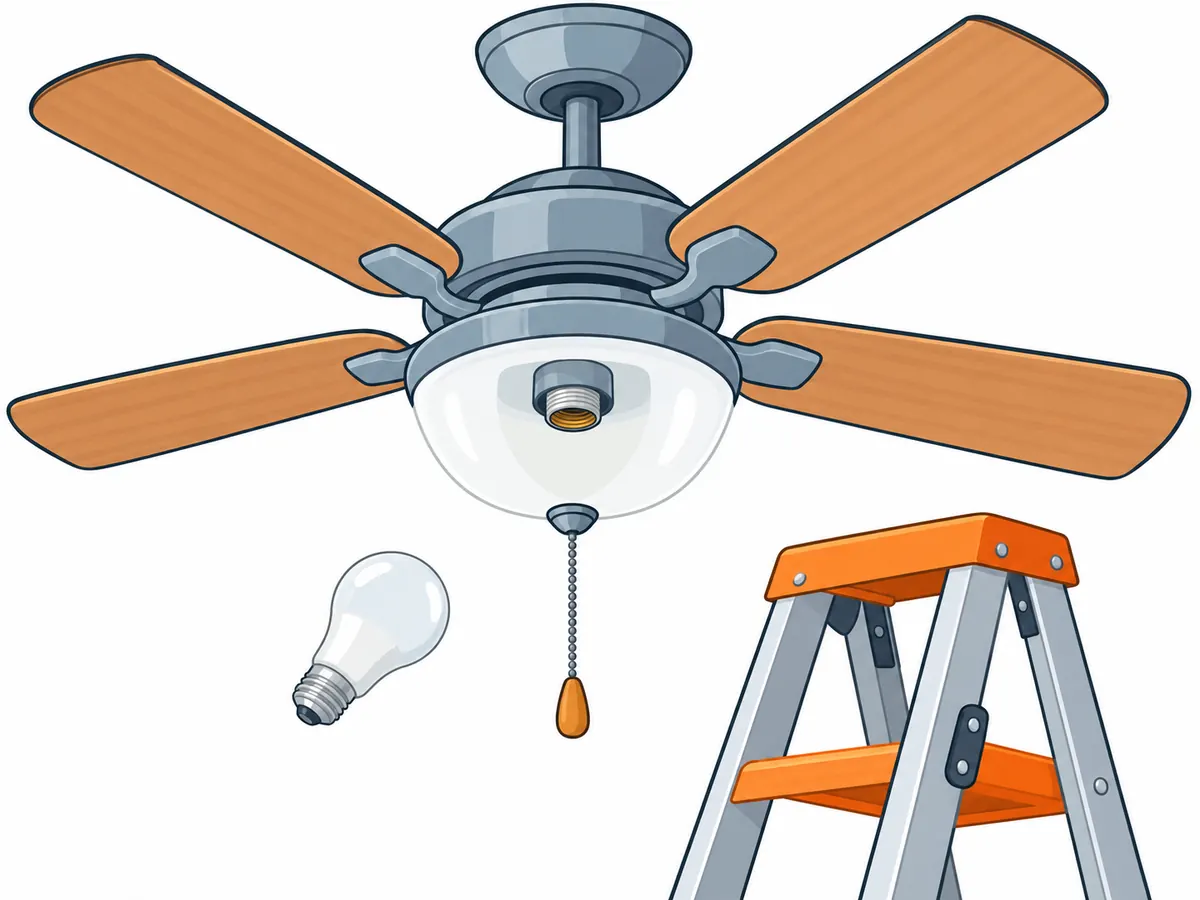
A ceiling fan light not working while the fan runs points to the light kit, not the motor. When the ceiling fan light is not working but the fan runs, the problem is almost always in the light kit, not in the fan motor. A bad bulb, a worn pull chain switch, a loose wire or a remote that lost its pairing are the usual causes. Work through the checks in order and you will often find the fix in a few minutes.
This guide is part of our wider guide to lights, ceiling fans and fixtures.
Easy checks first
1. Replace the bulbs. Put in new bulbs of the right type and wattage. Many fan light kits use small base bulbs, and the label on the kit lists the maximum wattage. LED bulbs rated for enclosed fixtures last longer in a glass shade.
2. Check the shades. Remove the glass shades and check the bulbs are screwed in snug. Some sockets have a small metal tab that has flattened.
3. Try the pull chain. Many fans have two chains, one for the fan and one for the light. Pull the light chain a few times. If the chain feels loose or does not click, the switch may have failed.
4. Check the remote. If the fan has a remote, replace its batteries and check the light button. See Ceiling fan remote not working.
5. Check the wall switch and breaker. If the fan runs, there is power, so this is less likely. A fan on a dual switch may have a separate switch for the light.
Step by step: look at the socket and wires
1. Turn off the breaker and the wall switch. Test with a non-contact voltage tester.
2. Remove the bulbs and the shades.
3. Look at each socket. The small tab at the bottom of the socket should be raised a little to touch the bulb base. If it is flat or dirty, lift it gently with a small screwdriver while the power is off. Clean any corrosion with a dry cloth.
4. Lower the light kit carefully. Take out the screws holding the kit to the fan, and let it hang from the wire harness or a hook. Do not let it dangle by the wires.
5. Check the connectors. Look at the plug that joins the light kit wires to the fan. Make sure it is firmly pushed in. Check the wire nuts, and tug each wire gently.
6. Check the pull chain switch. If a wire has come off the switch, reattach it. If the switch is worn, replace the light kit switch with the same type.
7. Replace the light kit if the parts are damaged or the sockets are burnt. Match it to your fan model, or choose a universal kit.
8. Put it back together, restore the power and test.
Remote and receiver problems
If the fan runs from the remote but the light does not, the light output on the receiver may have failed. If the light works on the chain but not the remote, the remote or its pairing is the cause. Dip switch settings must match. See the instructions for the remote.
Dimmer problems
A fan light with a dimmer that is not rated for the bulbs can flicker or fail. Check that the bulbs are dimmable, and that the dimmer works with LED bulbs. A dimmer on the fan motor circuit can damage the fan. See How to install a dimmer switch.
Preventing repeat failures
Use the right bulbs and do not exceed the wattage. Many fan light kits are limited to a low total wattage. Avoid cheap bulbs that run hot. Tighten the screws on the light kit so it does not vibrate. If bulbs keep burning out, vibration or heat could be the cause. A bulb stuck in the socket can be removed using How to remove a stuck or broken light bulb.
Choosing replacement bulbs
Fan light kits often hold several small bulbs, and the kit label gives a limit on the wattage of each bulb and sometimes the total. LED bulbs use much less power than old bulbs and run cooler, so they are a good choice. Pick bulbs with a base that matches the sockets, and a shape that fits the shade. If the fan has a dimmer or a remote with a dimming function, buy bulbs marked dimmable. Warm white light at about 2700 kelvin suits most bedrooms and living rooms.
Related guides
- How to Change a Recessed Light Bulb in the Ceiling
- How to Replace a Ceiling Fan Pull Chain Switch
- Three-Way Switch Not Working: How to Find the Problem
- How to Replace a Light Socket in a Lamp or Ceiling Fixture
- Outdoor Light Fixture Filling With Water: Causes and How to Fix It
FAQ
Why does the fan work but not the light?
The light kit has a separate circuit with its own switch, bulbs and wires. A fault there does not stop the fan.
Can I replace the light kit myself?
Yes, if the power is off and you follow the wiring diagram.
Why do my fan bulbs burn out so fast?
Heat, vibration or bulbs that are not rated for enclosed fixtures.
Can I add a light to a fan that has none?
Many fans accept a light kit. Check the model.
More from this topic
- How to Replace a Ceiling Fan Pull Chain Switch: Learn how to replace a ceiling fan pull chain switch that is stuck, broken or skipping speeds. Turn off the...
- Ceiling Fan Remote Not Working: Ceiling fan remote not working? Try new batteries, resync the remote, check the receiver and the wall switch....
- How to Install a Ceiling Fan Where a Light Fixture Is: Learn how to install a ceiling fan: turn off the power, fit a fan rated box, assemble and hang the fan, wire...
- Three-Way Switch Not Working: How to Find the Problem: Three-way switch not working? Learn how two switches control one light, how to check the bulb, the breaker...
- How to Change a Recessed Light Bulb in the Ceiling: Learn how to change a recessed light bulb safely. Identify the bulb type, remove the trim, swap the bulb or...
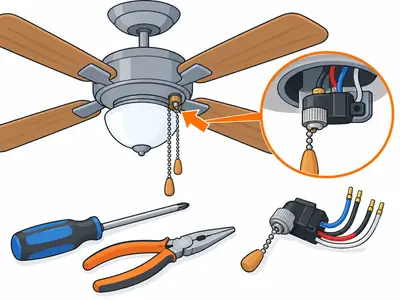 Electrical BasicsHow to Replace a Ceiling Fan Pull Chain SwitchLearn how to replace a ceiling fan pull chain switch that is stuck, broken or skipping speeds. Turn off the power, open the housing and wire the new switch.
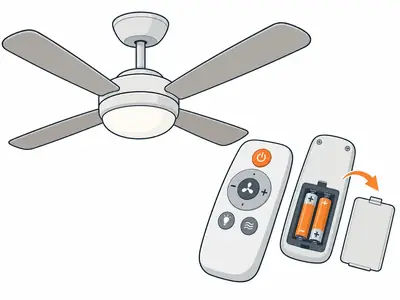 Electrical BasicsCeiling Fan Remote Not WorkingCeiling fan remote not working? Try new batteries, resync the remote, check the receiver and the wall switch. Simple fixes and when to replace the parts.
 Electrical BasicsHow to Install a Ceiling Fan Where a Light Fixture IsLearn how to install a ceiling fan: turn off the power, fit a fan rated box, assemble and hang the fan, wire it safely and balance the blades.
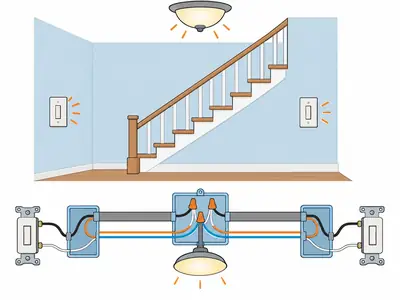 Electrical BasicsThree-Way Switch Not Working: How to Find the ProblemThree-way switch not working? Learn how two switches control one light, how to check the bulb, the breaker and the wiring, and when to call an electrician.
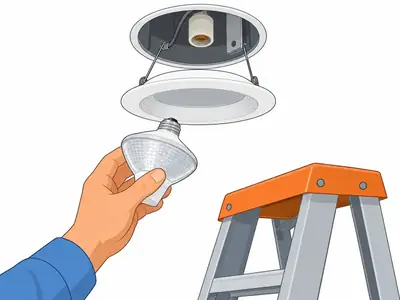 Electrical BasicsHow to Change a Recessed Light Bulb in the CeilingLearn how to change a recessed light bulb safely. Identify the bulb type, remove the trim, swap the bulb or LED module and avoid common mistakes.