
Ceiling Fan Remote Not Working
Part of: Electrical safety
- Difficulty
- Easy to medium
- Time
- 10 to 45 minutes
- Tools
- New batteries, stepladder, screwdriver, non-contact voltage tester, flashlight, replacement remote kit if needed
- Call a pro if
- the fan hums but does not turn, you see burn marks or smell burning, or the wiring in the canopy is damaged
In this guide
- Power off first
- Ladder safety
A ceiling fan remote not working is usually a dead battery or a lost pairing. When the ceiling fan remote stops working, the fan may not turn on, the light may not respond or only part of the remote works. In most cases, the cause is a dead battery, a remote that has lost its pairing, or a loose receiver in the fan housing. You can check each of these in order without special skills.
This guide is part of our wider guide to lights, ceiling fans and fixtures.
Quick checks
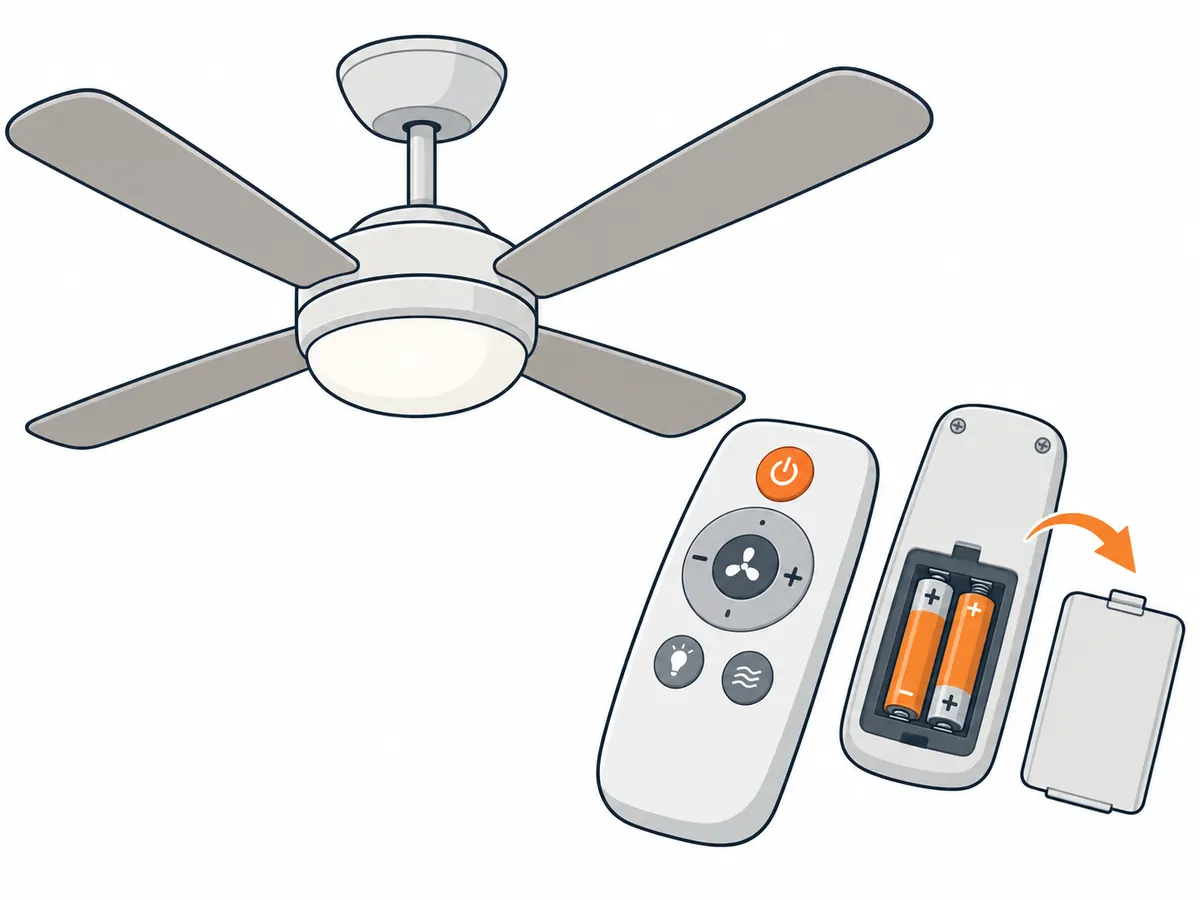
1. Change the batteries. Use fresh ones of the type the remote asks for. Check that they sit the right way round and the contacts are clean.
2. Check the wall switch. The fan needs power to work. Make sure the wall switch is on, and that the breaker has not tripped. See How to reset a tripped breaker.
3. Try pulling the chain. If the fan has pull chains, make sure they are in the on position. Some fans with remotes need the chain switches set to high or on.
4. Move closer. Point the remote at the fan from a few feet away. Interference or low batteries can reduce the range.
5. Check for a stuck button. A button that is stuck down drains batteries. Press each button a few times.
Step by step: reset the pairing
Many fan remotes and receivers use a small dip switch bank or a pairing button.
1. Turn off the power at the wall switch for about 30 seconds, then turn it on.
2. Press and hold the remote's learn button, or follow the instructions that came with the fan. Some models need you to press a button within a minute after the power comes back.
3. Check the dip switches. Both the remote and the receiver may have a row of small switches. The settings must match. They are inside the battery compartment of the remote and in the receiver. Compare them and set them to the same positions.
4. Test the remote. Try the fan speeds and the light.
Check the receiver
The receiver is the small box inside the fan canopy, at the top, or in the ceiling box.
1. Turn off the breaker and test the wires with a non-contact voltage tester.
2. Lower the canopy by loosening the screws. Support the fan so it does not hang by the wires.
3. Look at the receiver. Check that wire nuts are tight, and nothing has come loose. Look for heat marks or a burnt smell.
4. Reseat the plug connectors if the receiver has them.
5. Replace the receiver if it looks damaged or if resetting does not help. Take the model number to the store, or buy a universal remote kit that fits the fan. Follow its wiring diagram carefully.
Other causes
- Remote on a different frequency: two fans near each other can respond to the same remote if the dip switches match. Change the settings on one.
- Dimmer switch on the wall: a dimmer on a fan circuit can damage the receiver. Use a regular switch.
- Weak signal: metal in the ceiling or a wall can block the signal.
- Old receiver: capacitors wear out and the receiver stops responding.
When the problem is not the remote
If the fan hums but does not spin, the motor or capacitor may be bad. If the fan wobbles, see How to fix a wobbly ceiling fan. For a fan replacement, see How to replace a ceiling fan.
Choosing a replacement remote kit
A universal fan remote kit includes a receiver that fits inside the canopy and a remote. Check that the kit is rated for the number of fan speeds you have and for the light type, whether LED or standard. Check the size of the canopy, because some receivers are large and do not fit in a low profile fan. Make sure the kit works with your fan motor type. Look at the wiring diagram in the instructions before you buy, so you know how many wires the receiver connects.
A simple routine that prevents trouble
Replace the remote batteries once a year, and keep a spare set. Keep the remote in a cool, dry place and not on a window sill in the sun. Label the dip switch settings, and take a photo of them, so you can restore them after a power cut or a reset.
Related guides
- How to Replace a Ceiling Fan Pull Chain Switch
- How to Replace a Doorbell Transformer When the Bell Goes Silent
- Replace Doorbell Button Safely: Test the Wires First
- How to Install a WiFi Video Doorbell Step by Step
FAQ
Can I use any remote with my fan?
Not always. Match the remote to the receiver, or replace both as a kit.
Why does the remote work for the light but not the fan?
The fan side of the receiver may have failed, or the speed capacitor may be bad.
Can a dimmer switch affect the remote?
Yes. It can damage the receiver. Use a standard switch.
How long do remotes last?
Many last for years, but batteries run down sooner. Replace them once a year.
More from this topic
- Ceiling Fan Light Not Working: Ceiling fan light not working while the fan runs? Check the bulbs, the pull chain, the remote and the wiring....
- How to Fix a Wobbly Ceiling Fan: How to fix a wobbly ceiling fan: tighten screws, clean the blades and balance them with a kit. Steps, tools...
- How to Install a Ceiling Fan Where a Light Fixture Is: Learn how to install a ceiling fan: turn off the power, fit a fan rated box, assemble and hang the fan, wire...
- How to Replace a Ceiling Fan: How to replace a ceiling fan safely: turn off power, check the fan-rated box, mount the bracket and wire the...
- How to Replace a Ceiling Fan Pull Chain Switch: Learn how to replace a ceiling fan pull chain switch that is stuck, broken or skipping speeds. Turn off the...
 Electrical BasicsCeiling Fan Light Not WorkingCeiling fan light not working while the fan runs? Check the bulbs, the pull chain, the remote and the wiring. Easy steps and when to call an electrician.
 Electrical BasicsHow to Fix a Wobbly Ceiling FanHow to fix a wobbly ceiling fan: tighten screws, clean the blades and balance them with a kit. Steps, tools and safety notes for working overhead.
 Electrical BasicsHow to Install a Ceiling Fan Where a Light Fixture IsLearn how to install a ceiling fan: turn off the power, fit a fan rated box, assemble and hang the fan, wire it safely and balance the blades.
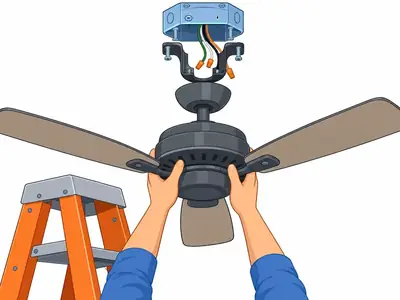 Electrical BasicsHow to Replace a Ceiling FanHow to replace a ceiling fan safely: turn off power, check the fan-rated box, mount the bracket and wire the new fan. Steps, tools and when to call a pro.
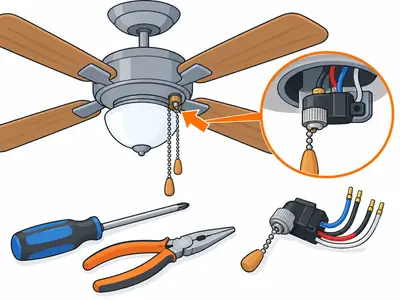 Electrical BasicsHow to Replace a Ceiling Fan Pull Chain SwitchLearn how to replace a ceiling fan pull chain switch that is stuck, broken or skipping speeds. Turn off the power, open the housing and wire the new switch.