
Light Switch Hot or Buzzing: What It Means
Part of: Electrical safety
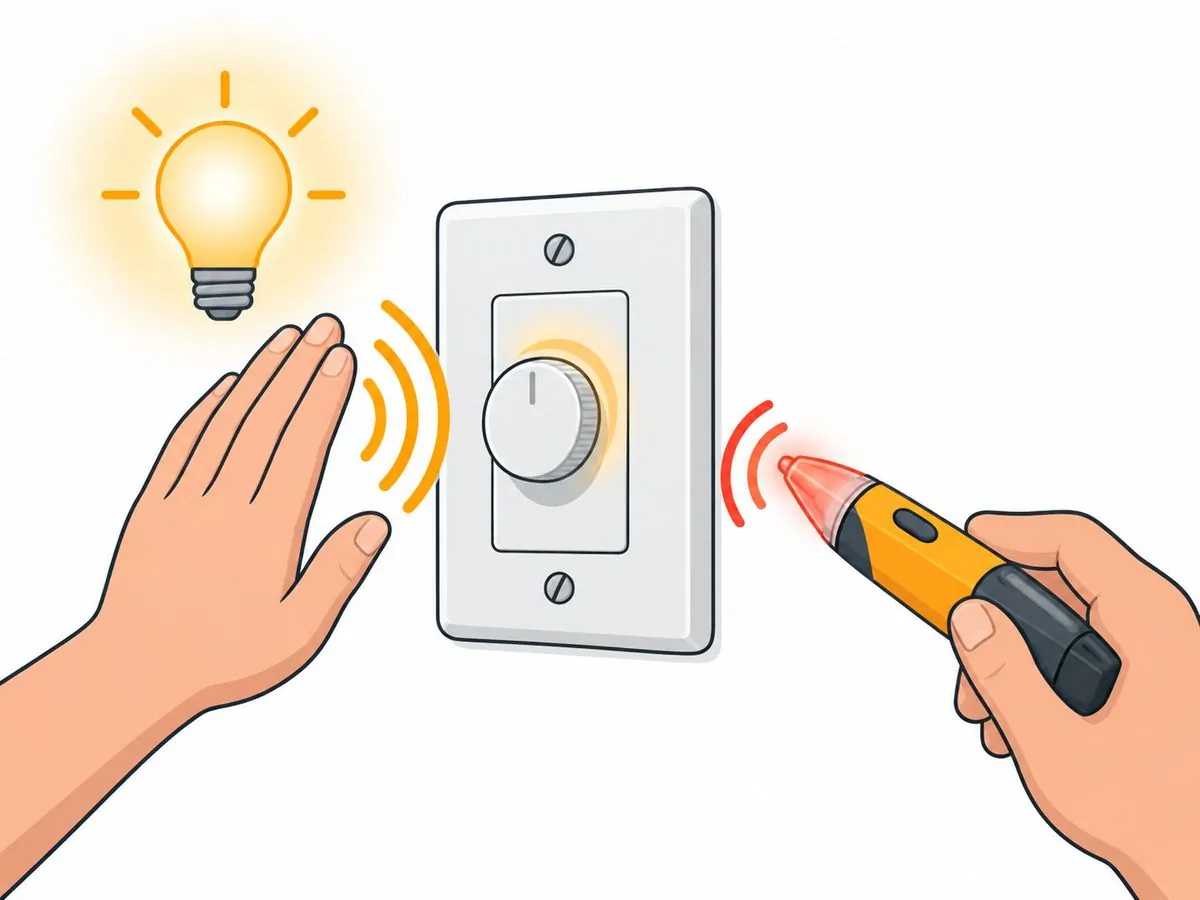
- Difficulty
- Easy to assess, electrician needed for most repairs
- Time
- 10 to 30 minutes
- Tools
- Flashlight, non-contact voltage tester, screwdriver, your light bulb list
- Call a pro if
- the switch is hot to the touch, discolored, sparking, smells like burning, or crackles. Turn off the breaker and call an electrician
In this guide
- Power off first
A light switch hot or buzzing in your wall deserves attention. A faint hum from a dimmer is common, but a switch that feels hot, crackles or smells like plastic can be a fire risk. This guide helps you tell the difference.
This guide is part of our wider guide to electrical problems and safety.
Normal versus not normal
Usually normal:
- A faint hum from a dimmer when the lights are dimmed.
- A switch that feels slightly warm after a long time under a heavy dimmer load.
Not normal:
- A switch too hot to hold your hand on.
- Brown or black marks on the plate.
- A burning smell.
- Crackling or popping sounds.
- Lights that flicker when you flip the switch.
Step by step
1. Switch the lights off. If the switch is hot and the smell is strong, go straight to the panel. Turn off the breaker for that circuit and stop.
2. Feel the cover plate. Use the back of your hand. A warm plate is a warning, a hot plate is a stop sign.
3. Check the bulbs. Dimmers are rated for a maximum wattage. LED bulbs need dimmers made for LEDs. Mismatched bulbs make a buzz. Compare your bulbs to the dimmer label by turning off the breaker and looking at the rating.
4. Swap the bulbs. Try dimmable LED bulbs listed for your dimmer. Many dimmers buzz less with matching bulbs.
5. Check how many bulbs. Adding bulbs over the limit makes a dimmer run hot.
6. Replace a buzzing dimmer. If the buzz persists, a new dimmer made for LED loads may solve it. Turn off the breaker, check that the power is off with a non-contact tester, and then replace it. If you are not sure how, hire an electrician.
7. Check for loose wires. Loose connections create heat. This is a pro job unless you have experience. See How to replace an outlet for the general safe process.
8. Do not use the circuit if the switch shows damage.
Causes of a hot switch
- Loose wire connections.
- A load above the switch rating.
- An old or damaged switch.
- A bad dimmer.
- Poor-quality bulbs.
What you can check without opening anything
You can learn a lot from the outside. Note whether the buzz is constant or only when the lights are dimmed. Note whether the cover plate is warm and for how long. Look at the bulbs for flicker, and check if the light fixture itself is the source of the buzz. Try a different bulb in the same fixture. If the noise is gone, the bulb was the problem. If the noise stays, the dimmer or switch is likely the cause.
When an electrician is the right call
Call an electrician for any switch that is hot, discolored, smells burnt or sparks, and for any switch box that has loose wiring. Also call one if the switch has aluminum wiring behind it. Tell them what you saw, how long it has been happening, what bulbs and dimmer you use, and whether other switches nearby behave the same way. A fast inspection can find a loose connection before it turns into a fire hazard.
Related guides
- Flickering Light: Safe Fixes and When to Call an Electrician
- How to Replace a Light Switch
- Replace Outlet Cover Plate (and Switch Plates)
- Occupancy Sensor Switch: How to Install One Safely
- How to Replace a Light Fixture Safely
When to call a pro
Treat a hot or buzzing switch as a warning, not a quirk. Turn the breaker for that circuit off and call a licensed electrician if the switch is hot to the touch, you smell burning, or the plate shows discoloration, since those mean a loose connection arcing inside the box, a leading cause of electrical fires. A dimmer slightly warm under load is normal; hot is not. Sources: NFPA electrical fire safety guidance, CPSC home electrical safety guidance.
FAQ
Why does my dimmer hum?
Dimmers chop the electrical wave and some bulbs or fixtures hum in response. A dimmer matched to the bulb type often fixes it.
Is a warm switch dangerous?
Slight warmth is common. Hot is not. If in doubt, turn off the circuit.
Can I use any LED bulb with any dimmer?
No. Check the dimmer's list of compatible bulbs.
How long do switches last?
Many last for decades, but heavily used or poor-quality switches wear out sooner.
More from this topic
- Flickering Light: Safe Fixes and When to Call an Electrician: A flickering light often has a simple cause such as a loose bulb or a bad dimmer. Check safely and know the...
- Outlet Feels Warm? What It Means and What to Do: If an outlet feels warm, it can mean overload, loose wiring or a failing device. Learn which warmth is...
- Transfer Switch for a Generator: Safety and Setup: A transfer switch keeps generator power off the utility lines. Here is how it works, why backfeeding kills,...
- How to Install a Dimmer Switch: How to install a dimmer switch: check bulb compatibility, turn off power, wire it and test. Steps, tools and...
- How to Install a Smart Switch: Learn how to install a smart switch. Check for a neutral wire, turn off the power, wire the switch and...
 Electrical BasicsFlickering Light: Safe Fixes and When to Call an ElectricianA flickering light often has a simple cause such as a loose bulb or a bad dimmer. Check safely and know the warning signs that need an electrician.Electrical BasicsOutlet Feels Warm? What It Means and What to DoIf an outlet feels warm, it can mean overload, loose wiring or a failing device. Learn which warmth is normal, which is dangerous and the safe checks.
 Electrical BasicsTransfer Switch for a Generator: Safety and SetupA transfer switch keeps generator power off the utility lines. Here is how it works, why backfeeding kills, and what a licensed install involves.
 Electrical BasicsHow to Install a Dimmer SwitchHow to install a dimmer switch: check bulb compatibility, turn off power, wire it and test. Steps, tools and when to hire an electrician.
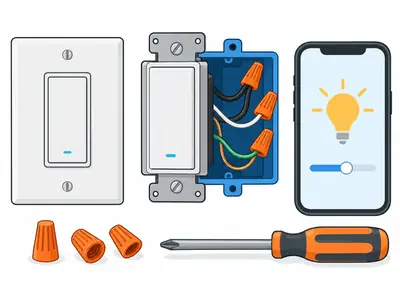 Electrical BasicsHow to Install a Smart SwitchLearn how to install a smart switch. Check for a neutral wire, turn off the power, wire the switch and connect it to your app. Step by step with safety tips.