
How to Install a Smart Switch
Part of: Electrical safety
- Difficulty
- Medium
- Time
- 30 to 60 minutes
- Tools
- Non-contact voltage tester, screwdrivers, wire stripper, wire nuts, flashlight, phone
- Call a pro if
- you cannot identify the wires, the box has no neutral and you want a type that needs one, the wires are damaged, or you are unsure at any step
In this guide
- Power off first
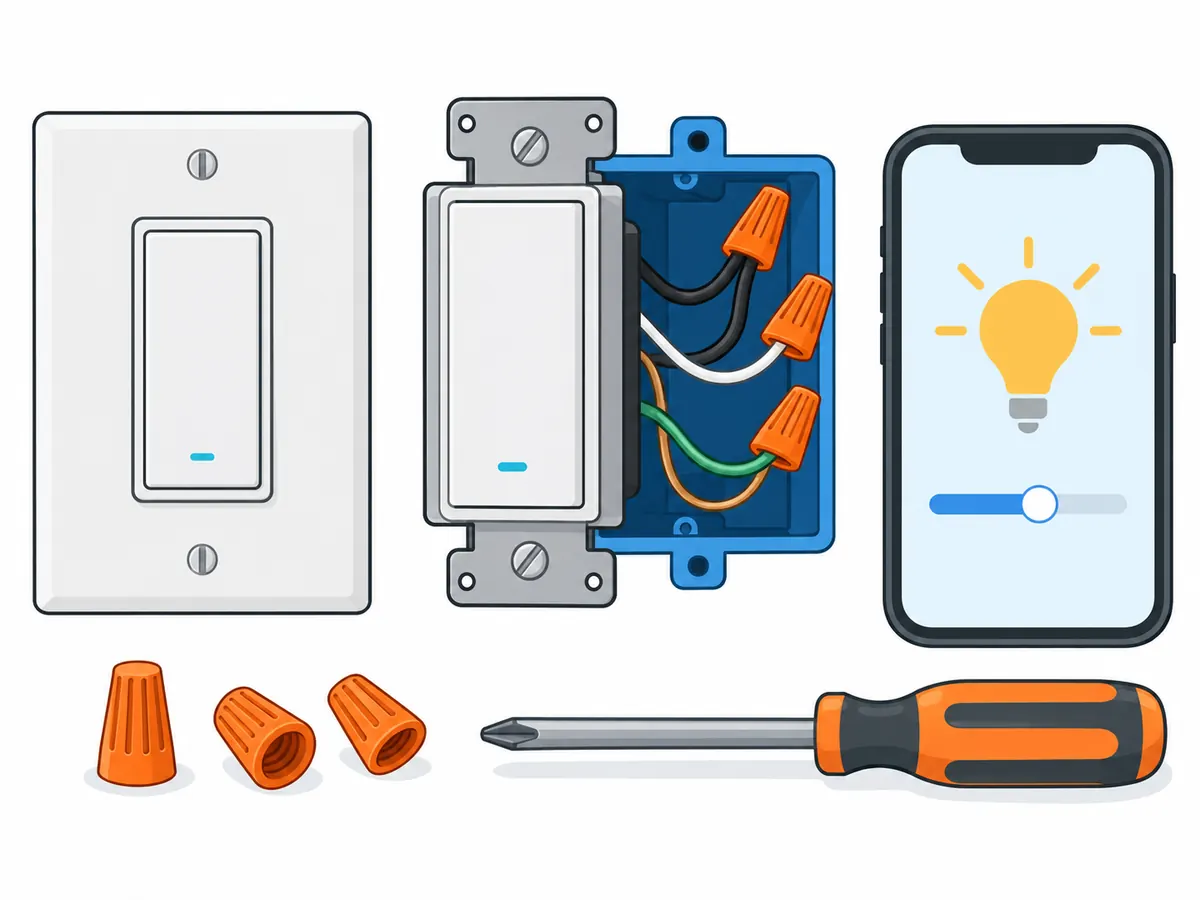
Before you install a smart switch, check whether your switch box has a neutral wire, because many models need one. A smart switch lets you control a light from your phone, with a schedule or by voice. Most are easy to fit, but one thing trips people up. A lot of smart switches only work if the box has a neutral wire, and homes built long ago frequently lack it. Before you buy, check that your box has what the switch needs.
This guide is part of our wider guide to electrical problems and safety.
Check what is in the box
Turn off the power first, then remove the switch plate and pull the switch out. Look at the wires.
1. Black wire, or hot: carries power.
2. Switched wire: goes to the light. It may also be black, or another color.
3. White wire, or neutral: usually bundled together with a wire nut at the back of the box, not connected to the old switch. This is the neutral you need.
4. Bare or green wire: ground.
If you see a bundle of white wires capped together in the box, you probably have a neutral. If there are only two or three wires and none are white, you may not. In that case, look for a smart switch made to work without a neutral, and check the label for the bulb types and minimum load it needs.
Also check
- Single pole or three way. A single pole switch has two wires plus ground. A three way switch has a third wire, called a traveler, and works with another switch. A smart switch has to match.
- Load type. Some smart switches do not work well with certain LED bulbs, or with fans and motors. Check the packaging.
- Wi-Fi or hub. Some need a hub, and some connect directly to your home network. Check that your router and your phone can use the same band as the switch.
- Box size. A smart switch is bulkier than a regular one. Check there is room.
Step by step
1. Turn off the power at the breaker. See How to reset a tripped breaker to find the right one.
2. Test for power at the wires with a non-contact voltage tester.
3. Take a photo of the old wiring, then label the wires with tape if there is more than one.
4. Disconnect the old switch.
5. Connect the new switch by following the diagram that comes with it. Typically, hot goes to the line terminal, the wire to the light goes to the load terminal, neutral connects to the neutral terminal and ground connects to the ground screw or wire.
6. Join the wires with wire nuts if the switch has pigtail leads. Twist the wires clockwise and tug each connection to check it.
7. Fold the wires into the box with the neutral and ground on the sides and the switch on top. Do not pinch wires.
8. Screw the switch to the box and fit the plate.
9. Turn the power back on.
10. Connect the switch using the maker's app. Follow the steps to add the device, name it and test the control.
Set it up well
Name the switch by the room, such as hall light. Set a schedule if you want one. If the switch has a dimmer function, check that the bulbs are dimmable. See How to install a dimmer switch for related steps.
Troubleshooting
- Light flickers or glows when off: the bulb may not match the switch. Some LED bulbs need a bypass.
- Switch will not connect: check the Wi-Fi band and that you are close to the router.
- Switch hums: the load may be too low or the bulbs may not be compatible.
- App loses connection: restart the router, move it closer or add a hub.
If there is no neutral wire
Some switch boxes have only a hot wire and a wire to the light. Switches made for this setup draw a tiny amount of power through the light bulb, so they need a minimum load and can make some LED bulbs flicker or glow faintly. Check the packaging for the minimum wattage and the bulb types it supports. Another option is a battery powered switch cover or a smart bulb, which needs no wiring. An electrician can also add a neutral to the box, though that may mean running new cable.
Plan for the whole room
Think about how you use the room. If a switch controls an overhead light that has smart bulbs in it, you can end up with two smart devices fighting each other. A smart bulb needs power at all times, and a smart switch can cut it. Pick one or the other for each light. Write down the names and groups before you set up the app, so the lights are easy to find later.
Related guides
- Occupancy Sensor Switch: How to Install One Safely
- How to Replace a GFCI Outlet Safely: Line and Load Wiring Explained
- Replace Outlet Cover Plate (and Switch Plates)
- How to Replace a Ceiling Fan Pull Chain Switch
- How to Replace a Doorbell Transformer
When to call a pro
Swapping a switch is fine DIY once the circuit is proven dead. Call a licensed electrician if the box has no neutral and the smart switch needs one, if the wiring is aluminum or damaged, if you find more wires than the old switch used, or if you want a neutral pulled or a new circuit run; that is permit work in most areas. Sources: NFPA 70 (NEC), CPSC aluminum wiring guidance.
FAQ
Do all smart switches need a neutral?
No, but many do. Check the packaging.
Can I put a smart switch on a three way circuit?
Yes, with a type made for it. Follow the instructions.
Will it work with my old bulbs?
Often yes, but LED bulbs vary. Check the minimum load.
What happens if the internet goes down?
Many still work as a manual switch, but the app and schedules may not.
More from this topic
- How to Install a Dimmer Switch: How to install a dimmer switch: check bulb compatibility, turn off power, wire it and test. Steps, tools and...
- How to Install a Motion Sensor Light: How to install a motion sensor light on an existing outdoor fixture: turn off power, wire it, set the sensor...
- How to Install a WiFi Video Doorbell Step by Step: Learn how to install a WiFi video doorbell, wired or battery powered. Check your wifi, power and chime, mount...
- How to Replace a Light Socket in a Lamp or Ceiling Fixture: Learn how to replace a light socket in a lamp or a fixture. Turn off the power, test it, remove the old...
- How to Replace a Light Switch Safely in 20 Minutes: How to replace a light switch safely: turn off the breaker, test for power, swap the switch and test it....
 Electrical BasicsHow to Install a Dimmer SwitchHow to install a dimmer switch: check bulb compatibility, turn off power, wire it and test. Steps, tools and when to hire an electrician.
 Electrical BasicsHow to Install a Motion Sensor LightHow to install a motion sensor light on an existing outdoor fixture: turn off power, wire it, set the sensor and test. Steps, tools and safety notes.
 Electrical BasicsHow to Install a WiFi Video Doorbell Step by StepLearn how to install a WiFi video doorbell, wired or battery powered. Check your wifi, power and chime, mount it level and test it. Easy steps for beginners.
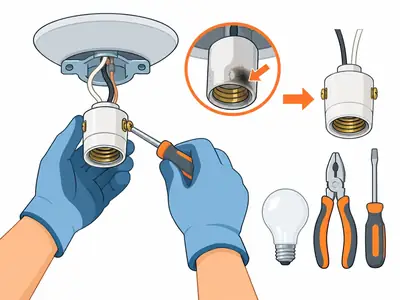 Electrical BasicsHow to Replace a Light Socket in a Lamp or Ceiling FixtureLearn how to replace a light socket in a lamp or a fixture. Turn off the power, test it, remove the old socket, wire the new one and test the light safely.
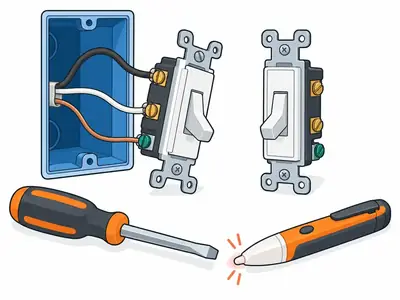 Electrical BasicsHow to Replace a Light Switch Safely in 20 MinutesHow to replace a light switch safely: turn off the breaker, test for power, swap the switch and test it. Steps, tools and when to call an electrician.