
How to Clean a TV Screen Without Damaging It
Part of: Tools and everyday fixes
- Difficulty
- Easy
- Time
- 5 to 10 minutes
- Tools
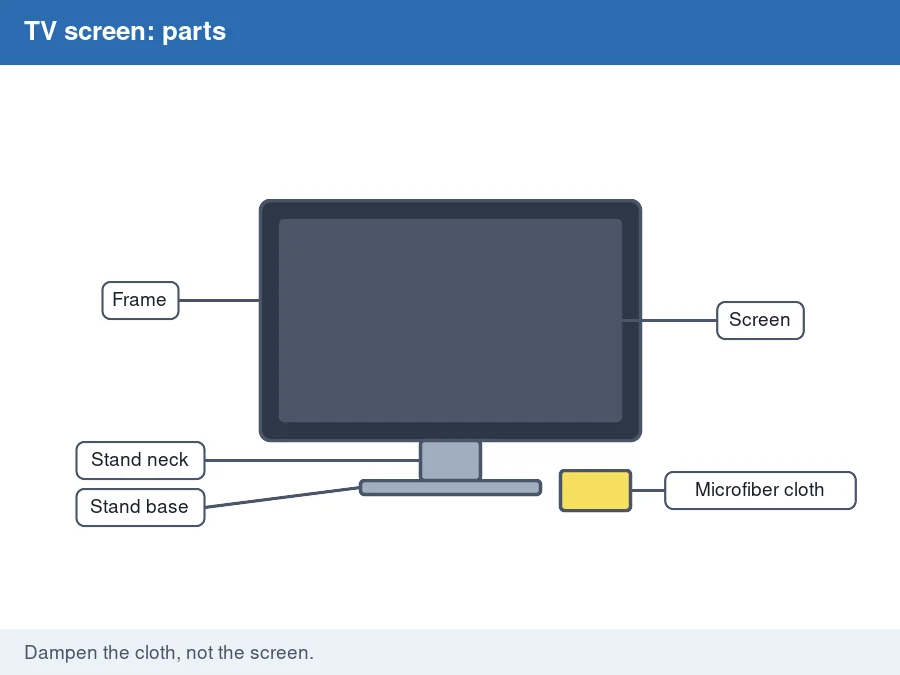
- Dry microfiber cloth, distilled water, a second dry cloth, soft brush
- Call a pro if
- You see lines, dead pixels, cracks or a damaged screen. Contact the maker or a repair service.
In this guide
- Power off first
- Chemical safety
Dust, fingerprints and smudges show up when the screen is off. The wrong cleaner can scratch or cloud the coating. A soft cloth and a little water are enough. Here is how to clean a TV screen.
Before you start
Modern flat screens have a thin, soft surface that can be marked by rough fabric and some chemicals. Dust is the most common problem, and it lifts off with a dry cloth. Only reach for water when a fingerprint or splash will not wipe away dry.
1. Turn off and unplug the TV
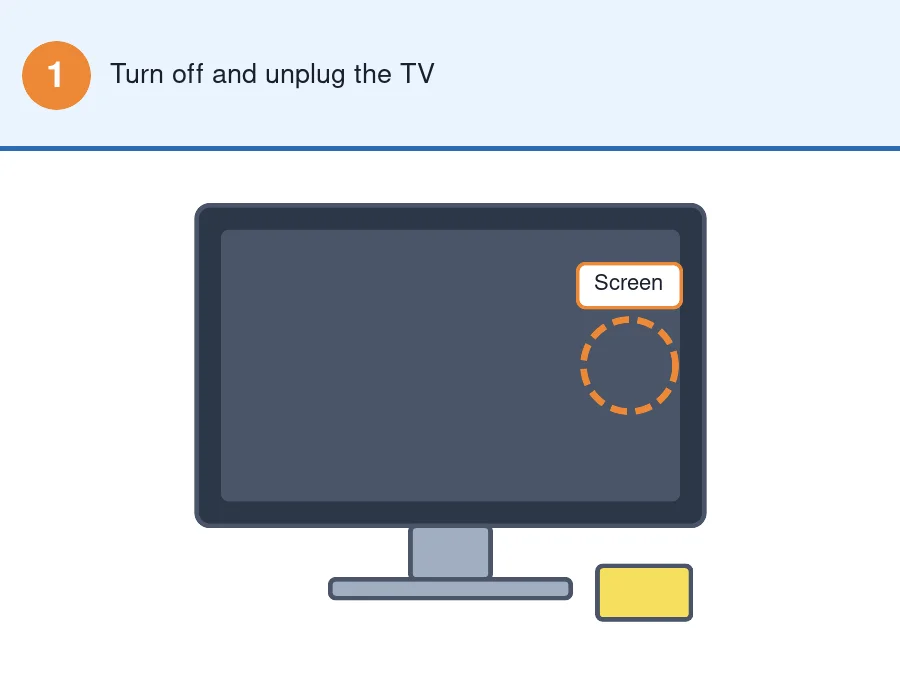
1. Turn the TV off.
2. Unplug it from the wall.
3. Let it cool for a few minutes.
4. Look at the screen under good light.
2. Check the manual
1. Look for the maker's cleaning advice.
2. Check which products to avoid.
3. Note any special coating.
4. Keep the manual for later.
3. Dust the screen
1. Use a dry microfiber cloth.
2. Wipe gently from top to bottom.
3. Do not press hard.
4. Brush dust from the frame and vents.
4. Dampen a cloth
1. Wet a corner of the cloth with distilled water.
2. Wring it out so it is only slightly damp.
3. Do not drip.
4. Do not spray the screen.
5. Wipe smudges
1. Wipe in gentle strokes, top to bottom.
2. Avoid circles that spread dirt.
3. Use a clean part of the cloth.
4. Do not rub the same spot.
6. Dry the screen
1. Use a second dry cloth.
2. Wipe off any moisture.
3. Check the edges.
4. Let it air dry for a few minutes.
7. Clean the frame and stand
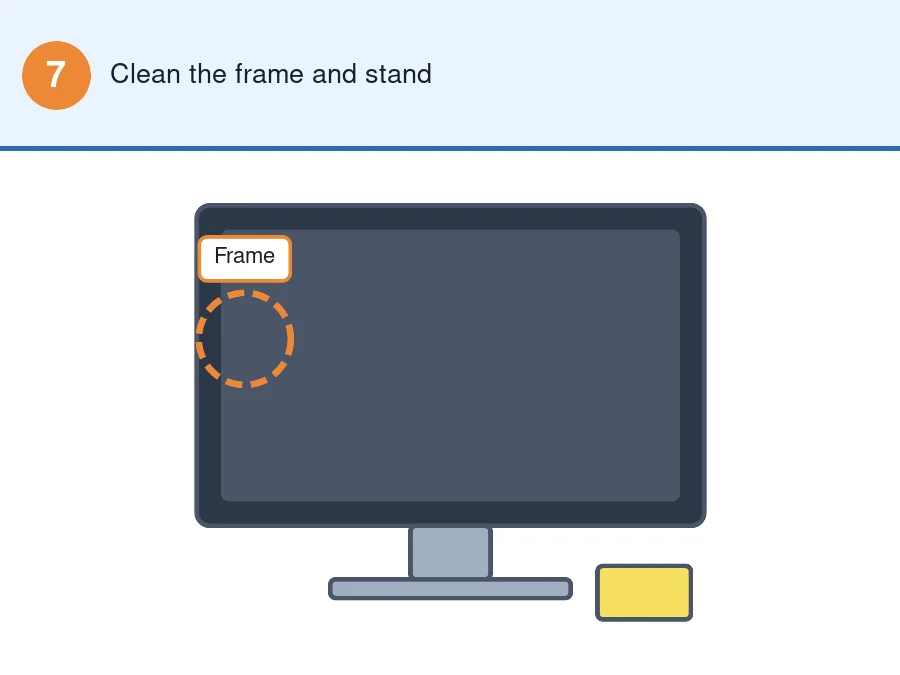
1. Wipe the bezel with the damp cloth.
2. Dust the vents.
3. Wipe the stand and remote.
4. Keep the cords dry.
8. Plug it back in
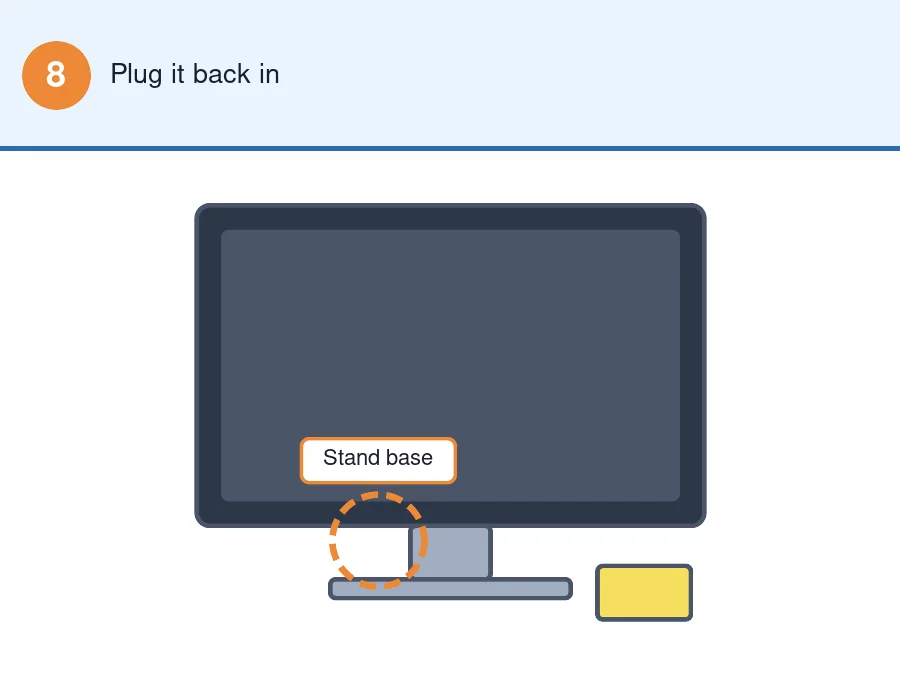
1. Make sure the TV is completely dry.
2. Plug it in.
3. Turn it on and check for streaks.
4. Repeat on any spots.
Quick tips
- Dust the screen weekly with a dry cloth.
- Keep food and drinks away from the TV.
- Use a separate cloth for the screen and the frame.
- Wash microfiber cloths without fabric softener.
When to stop and call a pro
Do not try to repair a cracked screen or a TV with lines or dead pixels yourself. TVs hold stored charge and the parts are delicate. Do not open the case. If liquid has gotten into the TV, unplug it and let it dry for a long time, then check with the maker before turning it on. A TV that smells of burning, sparks or smokes should be unplugged and checked by a technician. Keep vents clear so the TV does not overheat. Some screens have a special anti glare coating that wears off when you rub it with rough cloths or harsh chemicals, and that damage cannot be reversed. Keep the TV out of direct sun and away from the kitchen stove, where grease can settle on the screen and the vents. Use a soft brush to clear dust from the vents on the back every few months, with the TV unplugged. If a smudge will not come off, leave it rather than scrubbing, and check the manual for an approved cleaning kit. Keep pets and children from touching the screen, and wipe fingerprints early.
Related guides
- How to mount a TV on the wall
- How to hide TV cables
- How to protect electronics from power surges
- How to Clean Mirrors Without Streaks
- How to Clean a Lampshade Without Ruining It
Common mistakes
- Spraying cleaner on the screen.
- Using paper towels.
- Pressing too hard.
- Using glass cleaner.
- Cleaning while the TV is on.
FAQ
Can I use glass cleaner on a TV?
No. It can damage the coating.
What cloth should I use?
A soft microfiber cloth.
How often should I clean it?
Dust weekly and wipe smudges as needed.
Can I use water?
A tiny bit of distilled water on a cloth is fine.
More from this topic
- How to Clean a Laptop Keyboard and Screen Safely: Learn how to clean a laptop keyboard and screen: power it off, remove crumbs, wipe keys and the display with...
- How to Clean Hardwood Floors Without Damaging the Finish: Learn how to clean hardwood floors safely: use a microfiber mop, a damp cloth and the right cleaner, and...
- How to Clean House Siding Without Damaging It: Learn how to clean house siding: match the method to vinyl, wood or fiber cement, wash from the bottom up,...
- How to Clean Painted Walls Without Damaging the Paint: Learn how to clean painted walls: dust first, wash with mild soap, treat scuffs gently, and protect flat...
- How to Clean Stainless Steel Appliances Without Streaks: Learn how to clean stainless steel appliances: wipe with the grain, use mild soap or vinegar, remove...
 Electrical BasicsHow to Clean a Laptop Keyboard and Screen SafelyLearn how to clean a laptop keyboard and screen: power it off, remove crumbs, wipe keys and the display with the right cloth and avoid liquid damage.
 FloorsHow to Clean Hardwood Floors Without Damaging the FinishLearn how to clean hardwood floors safely: use a microfiber mop, a damp cloth and the right cleaner, and avoid too much water, steam and harsh products.
 Garage and OutdoorsHow to Clean House Siding Without Damaging ItLearn how to clean house siding: match the method to vinyl, wood or fiber cement, wash from the bottom up, kill mildew properly and keep water out of the walls.
 Tools and BasicsHow to Clean Painted Walls Without Damaging the PaintLearn how to clean painted walls: dust first, wash with mild soap, treat scuffs gently, and protect flat paint from scrubbing damage.
 KitchenHow to Clean Stainless Steel Appliances Without StreaksLearn how to clean stainless steel appliances: wipe with the grain, use mild soap or vinegar, remove fingerprints and stains, and finish with a light buff.